EmberFrostCozy games9 min read
Cozy games for iPhone with no ads: how to check any game
How to find cozy games for iPhone with no ads: 4 spots on the App Store page to read, a 10-minute airplane mode test, and why EmberFrost has no ads.
The surest way to find cozy games for iPhone with no ads is to read the App Store page before you tap Get, then test the game in airplane mode. Four spots on the page give ads away: the description, the In-App Purchases list, the age rating details and the App Privacy label.
We make EmberFrost, a cozy winter survival village builder with no ads at all, so we ran every check in this guide on our own game first. Here is where to look, how to test, and why EmberFrost has none.
How can you tell if an iPhone game has ads?
To tell if an iPhone game has ads, check four parts of its App Store page. Start with the description: games without ads tend to say so in plain words. Next, open the In-App Purchases list in the Information section. An item called Remove Ads, No Ads or Ad-Free means the free version shows them. Then tap the age rating. Apple asks every developer whether the app contains advertising, which it defines as paid promotion of products or services inside the app, and product pages now show the capabilities a developer declared. Last, read the App Privacy label. Third-Party Advertising among the purposes, or a section called Data Used to Track You, points to advertising. All four rest on what the developer declares, so a short test in airplane mode is still worth the ten minutes. The rating number alone tells you nothing here: Apple's 4+ definition lists advertising among the things a 4+ app may still contain.
Here is what each spot looks like, and what EmberFrost's own page showed when we checked it on 29 October 2026.
| Where to look | No ads looks like | What can point to ads | EmberFrost's page |
|---|---|---|---|
| Description | A plain line such as "No ads" | No word on ads, or a paid way to remove them | "No ads, ever." |
| In-App Purchases | A full game unlock, or nothing to buy | Remove Ads, No Ads or Ad-Free | Full Story, 100 Coins, 250 Coins, 500 Coins |
| Age rating details | No Advertising among the declared capabilities | Advertising listed | 4+, no Advertising listed |
| App Privacy purposes | App Functionality only, or Data Not Collected | Third-Party Advertising, Developer's Advertising or Marketing | App Functionality only |
| Tracking | No Data Used to Track You section | That section, or a prompt asking to track you | Nothing used to track you |
Apple's definition comes from its age ratings reference for developers: "Paid promotion of products or services within the app." In June 2025, Apple said product pages would reflect when developers indicate an app has advertising. On Android, Google Play shows a Contains ads label on the listing of any app whose developer declares ads.
What does the App Privacy label say about ads?
The App Privacy label says what a game collects and why. It groups data into sections such as Data Used to Track You, Data Linked to You and Data Not Linked to You, each with a purpose. A game that collects nothing shows Data Not Collected.
Three terms matter for ads. Apple's privacy details guide for developers defines them:
- Third-Party Advertising: "displaying third-party ads in your app, or sharing data with entities who display third-party ads."
- Developer's Advertising or Marketing: first-party ads in the app, marketing messages, or data shared with companies that show the developer's own ads.
- Advertising Data: usage data "such as information about the advertisements the user has seen."
Tracking is a separate matter. Apple's user privacy and data use page says an app must ask your permission through App Tracking Transparency before linking its data with other companies' data "for targeted advertising or advertising measurement purposes." So a first-launch prompt to track your activity across other companies' apps and websites hints that advertising is involved somewhere, even if only in the developer's own marketing.
How do you test a game for ads in airplane mode?
In-game ads are delivered over the internet, so cutting the connection makes them easy to spot. A game with no ads plays the same offline. One built around ads tends to show gaps, error messages or buttons that stop working. The test takes about ten minutes:
- Download the game on Wi-Fi and open it once, so anything it fetches on first launch is already on the phone.
- Turn on airplane mode in Control Center and check that Wi-Fi is off too. An iPhone remembers if you switched Wi-Fi back on in airplane mode last time.
- Play past the tutorial to the moments where ads tend to sit: the end of a level, a reward, a failure, a shop.
- Note anything odd: blank boxes, a button that answers "no video available" or "check your connection", or a game that will not start.
- Go back online and replay the same moments. Whatever appears now that was missing offline is very likely an ad.
Some games hold ads back for the first sessions, so repeat the test after an hour or two of play. EmberFrost passes without effort, since it plays fully offline anyway. Our post on offline games for iPhone covers what works without a signal.
What do rewarded ads look like in a game?
A rewarded ad is a video you choose to watch in exchange for something in the game. It is easy to spot once you know the design: a small play or film icon on a button that promises something for free. The usual hooks:
- Double it. A "x2" button beside a reward, with a video icon.
- Free, with an icon. Chests, spins or gems marked with a play symbol.
- Energy and lives. A bar or a row of hearts that runs out, with "watch to refill" as one way back.
- One more try. A "Continue?" screen after you fail.
- Speed up. A timer on a building, with a button that skips the wait if you watch something.
- While you were away. A welcome-back popup that offers to multiply what piled up while the game was closed.
Why does this matter for cozy games in particular? Because rewarded designs bend a game around the ad. If a timer exists so that you can skip it, the timer was never there for you.
EmberFrost has none of these hooks. There are no energy bars and no build timers. Nothing piles up while the game is closed, so there is nothing to multiply. The coin shop opens only when you tap your coin counter or choose it in the settings, and never pops up by itself.
What makes a game cozy?
A cozy game lets you care about something without being afraid of losing it. Failure slows you down instead of ending the game. The world is small enough to know by heart, the daily routines feel good on their own, and you set the pace. Above all, nothing outside your own choices pushes you around.
That is why ads and coziness pull in opposite directions. An ad is an interruption you did not choose, from someone who wants your attention for something else. A cozy game promises a quiet place where the next thing that happens is something you decided.
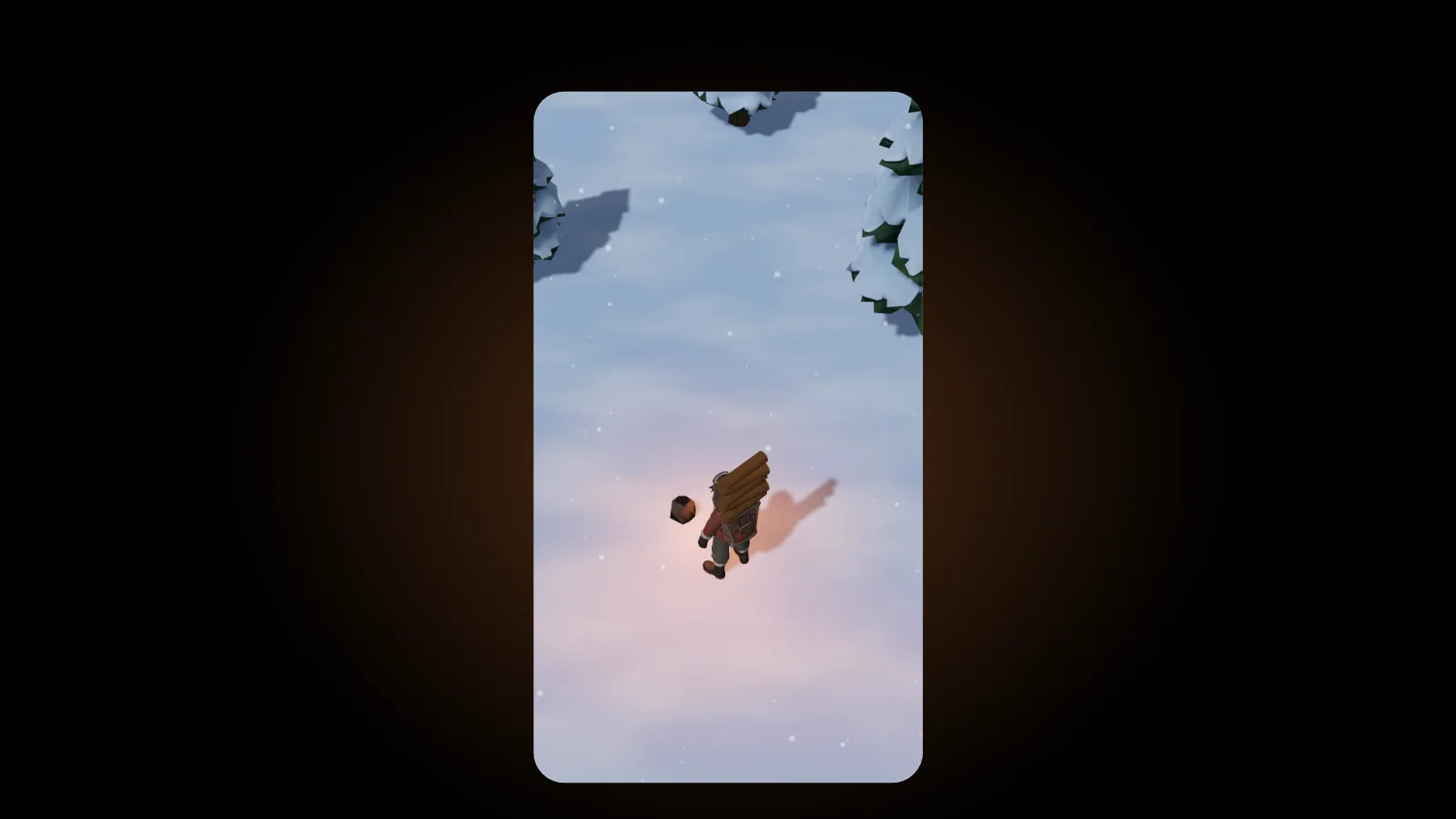
EmberFrost is a survival game, so the pressure is real. The temperature keeps dropping, and the fire is the only safe ring in the village. What keeps it cozy is what does not happen. Nobody dies, in Normal or in Hard: the worst outcome is a villager who packs up and leaves. The fire never goes out for good, and while the game is closed, nothing burns. Our post on what makes a survival game cozy explains every rule we followed.
Why does EmberFrost have no ads?
No ads was one of the first rules written down for EmberFrost, and the rest of the game was designed around it. EmberFrost earns money from purchases only. Its privacy policy says the game contains no analytics, tracking or advertising SDKs, so there is no ad code inside it at all.
Here is the whole deal:
- Free: the prologue and your first three places, any three of the ones on offer.
- Full Story: one purchase unlocks every other place and worker, the forge upgrades and the Great Blizzard. No subscription.
- Coin packs: optional, offered only once the forge is built, and the story can be finished without them.
- Never: ads, energy bars, build timers or an account. It also plays fully offline.
With no ads to pay for it, nothing in the game is slowed down to sell you a way around it. Speed and carrying capacity cannot be bought, Hard stays hard, and the economy is the one we set for players who never buy a coin. Our guide to what is free in EmberFrost shows exactly where the free part ends.
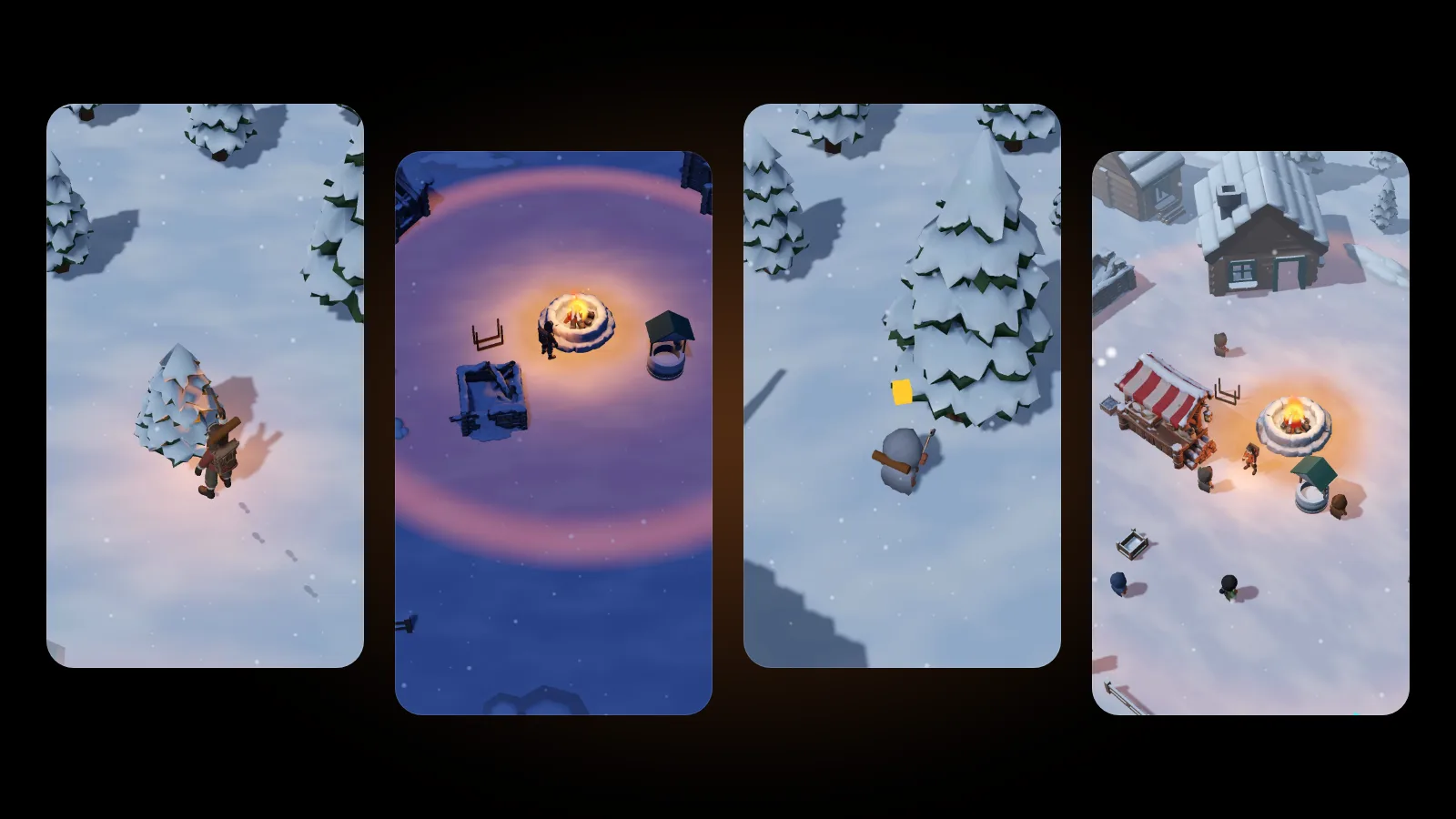
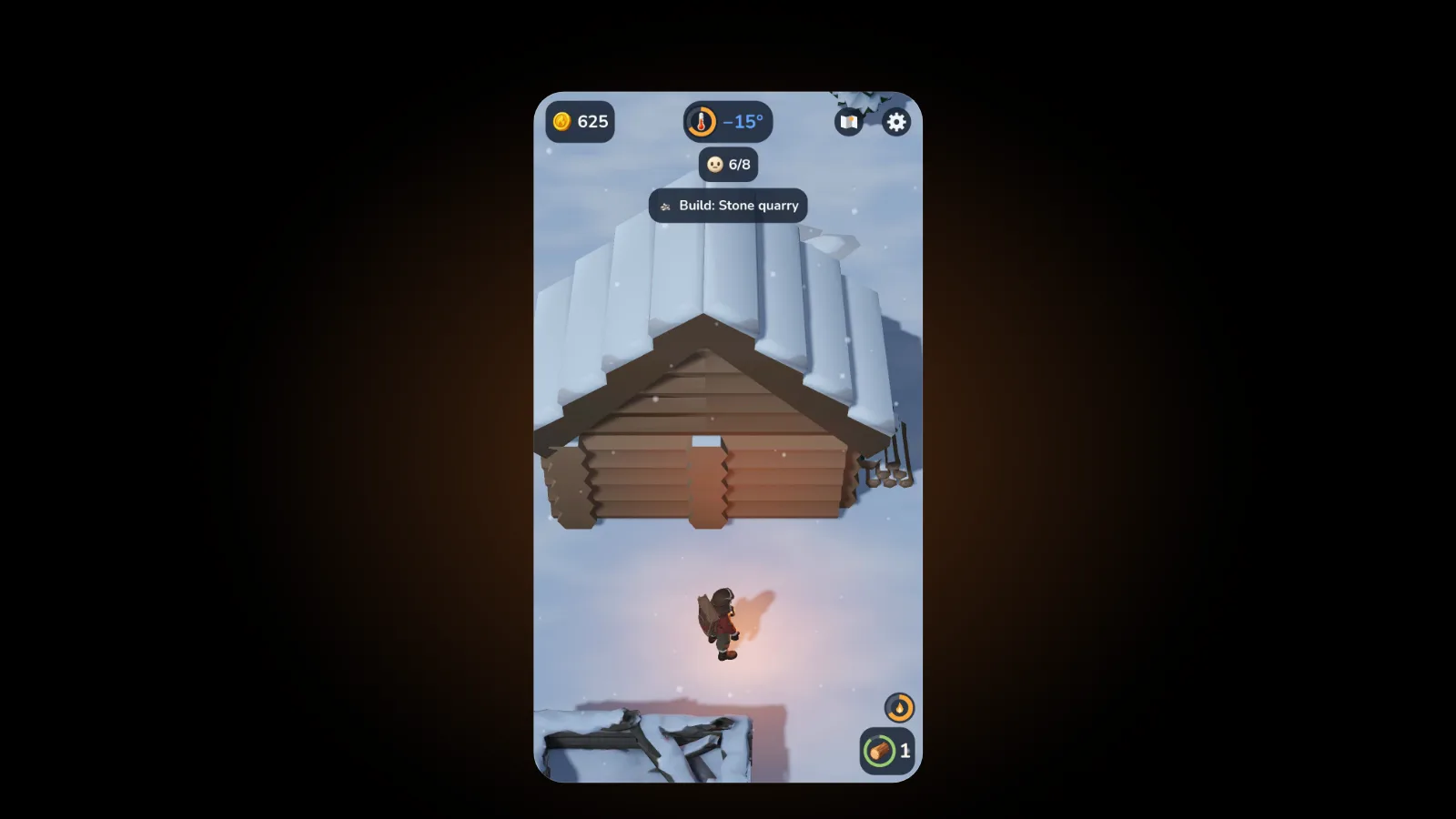
No ads also means a clear screen. The top shows your coins, the temperature, your villagers and the next goal, beside the map and settings buttons.
New to the game? Our beginner's guide covers the first hours, and the EmberFrost build order shows what to build first. Choosing for a child? The EmberFrost parents' guide explains how to lock purchases.
FAQ
How can I tell if an iPhone game has ads before downloading it?
Read the description, look for a Remove Ads item among the in-app purchases, tap the age rating to see if Advertising is declared, and check the App Privacy label for Third-Party Advertising.
Does EmberFrost have ads?
No. EmberFrost has no ads anywhere, in the free start or after the Full Story, and no advertising SDKs. Its App Store description says "No ads, ever."
Does In-App Purchases on the App Store mean a game has ads?
No. It only means something can be bought. A Remove Ads item tells you the free version shows ads, while a one-time unlock of the full game usually means it does not.
Can a free cozy game have no ads?
Yes. Some free games let you play the start, then sell the rest in one purchase. EmberFrost works this way: the prologue and your first three places are free, with no ads before or after you buy.
Get started
EmberFrost: Survival Tycoon is free to start on the App Store, with no ads, ever. Read more on the EmberFrost game page, or browse every EmberFrost post.