PosturaPosture9 min read
How to sit at a desk properly: a posture and setup guide
How to sit at a desk properly: chair height, screen distance, keyboard and feet, a 60-second setup check, and why no single perfect posture exists.
To sit at a desk properly, support your thighs and lower back, rest your feet flat, put the top of the screen at eye level about an arm's length away and keep the keyboard just below elbow height. Then change position often: there is no strong evidence that one optimal posture exists.
This guide turns UK Health and Safety Executive and NHS physiotherapy advice into a checklist you can run in a minute. Most fixes use things you already own, like a cushion or a stack of books. At the end, we show how Postura can remind you to reset during the day. This is general information, not medical advice. If you have pain that does not settle, numbness or tingling, see a doctor or physiotherapist.
How should you sit at a desk?
Proper sitting posture at a desk comes down to a handful of checks from the UK Health and Safety Executive's display screen guidance and the South Tees Hospitals NHS Foundation Trust's posture advice. Set your seat height so it supports the front and back of your thighs equally, with a gap of 2 to 3 cm between the front of the seat and the back of your knee. Sit with your bottom at the back of the seat so your lower back is supported, and add a cushion if the chair doesn't do that job. Keep both feet flat on the floor, or on a footstool. Put the top of the screen level with your eyes, about an arm's length away, with the screen and keyboard central so you don't twist your back. The keyboard goes just below elbow height and the mouse in line with your elbow. Relax your shoulders. Then, rather than holding that pose all day, take regular breaks and change position.
Here is the same advice as a 60-second check. Run it now, and again at any new desk.
| Check | What good looks like | Free fix if it is off |
|---|---|---|
| Seat height | Front and back of thighs equally supported | Raise the seat, or sit on a cushion |
| Knee gap | 2 to 3 cm between seat front and back of knee | Sit further back, with a cushion behind you if the seat is deep |
| Lower back | Bottom at the back of the seat, lower back supported | A cushion behind your lower back |
| Feet | Flat on the floor, knees level with hips | A footstool, a sturdy box or a stack of books |
| Screen | Top level with your eyes, about an arm's length away, straight ahead | Books or a riser under the screen |
| Keyboard and mouse | Keyboard just below elbow height, mouse in line with your elbow | Raise the chair, then support your feet |
| Shoulders | Relaxed, not shrugged | Sit high enough that you don't need to shrug |
How do you set up your chair for good posture?
Start with the chair, because everything else depends on how high you sit. HSE says the seat height should support the front and back of your thighs equally, or you can use a cushion to raise your seated position. Then check the depth: you want that 2 to 3 cm gap behind the knee. On a deep seat it disappears, so a cushion behind your back can bring you forward.
Next, sit all the way back. South Tees advises sitting "with your bottom at the back of your seat ensuring that your lower back has support." If the chair back doesn't give that support, HSE suggests a cushion.
Last come your feet. South Tees says both feet should be flat on the floor with your knees level with your hips, adjusting your chair, a footstool or other support if needed. Raising the chair to reach a fixed desk can leave your feet dangling, and a footrest or a sturdy box fixes that.
Where should your screen, keyboard and mouse go?
Put the top of the screen level with your eyes, about an arm's length away, and keep the keyboard just below elbow height with the mouse in line with your elbow. That is HSE's guidance, and it also asks you to keep the screen and keyboard central so you don't twist your back.
How far should a monitor be? The American Academy of Ophthalmology's advice on computer use puts it at about 25 inches, or roughly 64 cm, which it describes as right about at arm's length. It also suggests positioning the screen so your eyes gaze slightly downward, not straight ahead or up.
One more test from HSE: if you need to shrug your shoulders to type, sit higher.
If your screen sits low and your head follows it down, our guide to tech neck covers what helps.
Is there one correct way to sit?
No. The Rotherham NHS Foundation Trust's posture page states plainly that "there is no strong evidence that one optimal posture exists." It also says sitting for more than 30 minutes in one position is not dangerous, although moving and changing positions can be helpful.
That advice comes from a South Tees NHS leaflet, Posture Reframed, which is adapted from a 2019 article in the Journal of Orthopaedic and Sports Physical Therapy, "Sit Up Straight": Time to Re-evaluate. The leaflet says it is safe to adopt more comfortable postures, and that comfortable postures vary between people.
So where does the 90-90-90 rule fit? It is a popular rule of thumb: elbows, hips and knees each at about 90 degrees, close to the South Tees advice of elbows at 90 degrees and knees level with hips. Use it as a starting point, not a law. Once the chair and screen are roughly right, comfort and regular movement matter more than exact angles.
If your lower back is the main problem, see our guide to lower back pain from sitting.
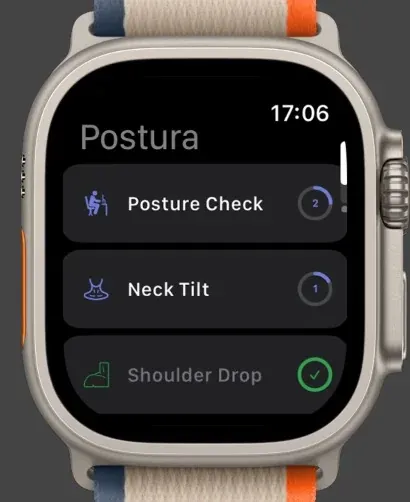
We built Postura's Posture Check with this in mind. It is a 30 second habit with one instruction: sit up straight, shoulders back, feet flat on the floor. We treat it as a reset, a moment to notice how you are sitting and move, not a pose to hold for the rest of the afternoon.
How do you sit properly with a laptop or at a kitchen table?
A laptop joins the screen to the keyboard, so you can't get both to the right height at once. HSE's answer is a separate keyboard and mouse, so the screen can be raised on a laptop riser or similar.
Here is how to set up a laptop on any table in about five minutes:
- Raise the screen. Use a riser, a box or books until the top of the screen is level with your eyes.
- Add a keyboard and mouse. Keep the keyboard in front of you, just below elbow height.
- Raise yourself if the table is high. Sit on a cushion so your shoulders can relax.
- Support your feet. If the cushion lifts your feet off the floor, rest them on a footstool or books.
- Back up your back. On a hard kitchen chair, put a cushion behind your lower back.
How do you keep good posture through the day?
Notice, reset and move. South Tees advises you to "take regular breaks and vary tasks to prevent static loading and fatigue."
A simple routine covers most of it:
- Reset when you notice slumping. Relax your shoulders and sit back in the chair. South Tees suggests imagining a piece of string on the top of your head drawing you up towards the ceiling.
- Take short breaks often. HSE's guidance on work routine and breaks says 5 to 10 minutes every hour is better than 20 minutes every 2 hours. Our guide to micro-breaks at work has ideas for short ones.
- Change position. Breaks should let you get up and move, or at least stretch and change posture. Try our desk stretches for neck and shoulders.
- Rest your eyes. The 20-20-20 rule gets you looking away from the screen every 20 minutes.
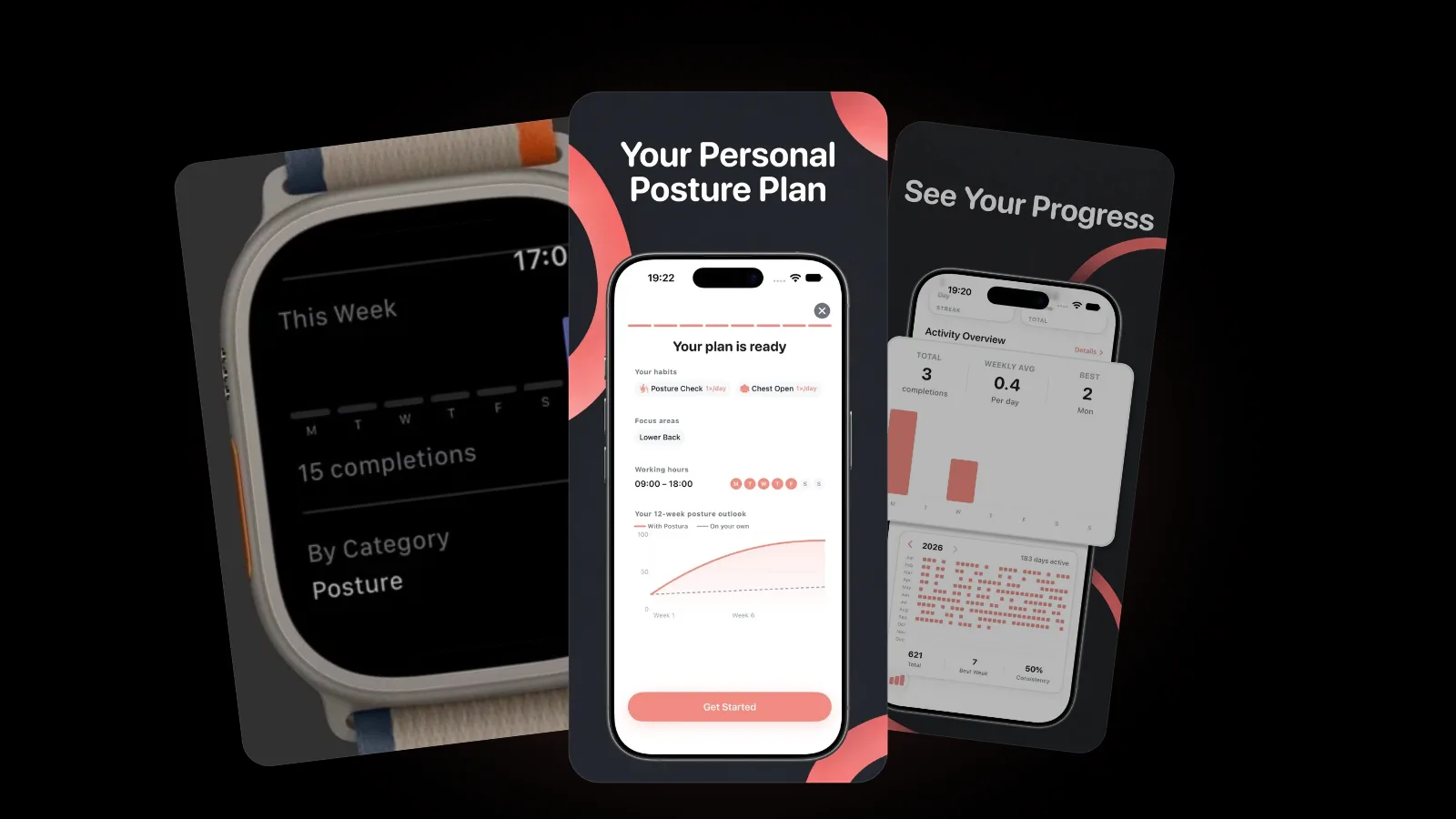
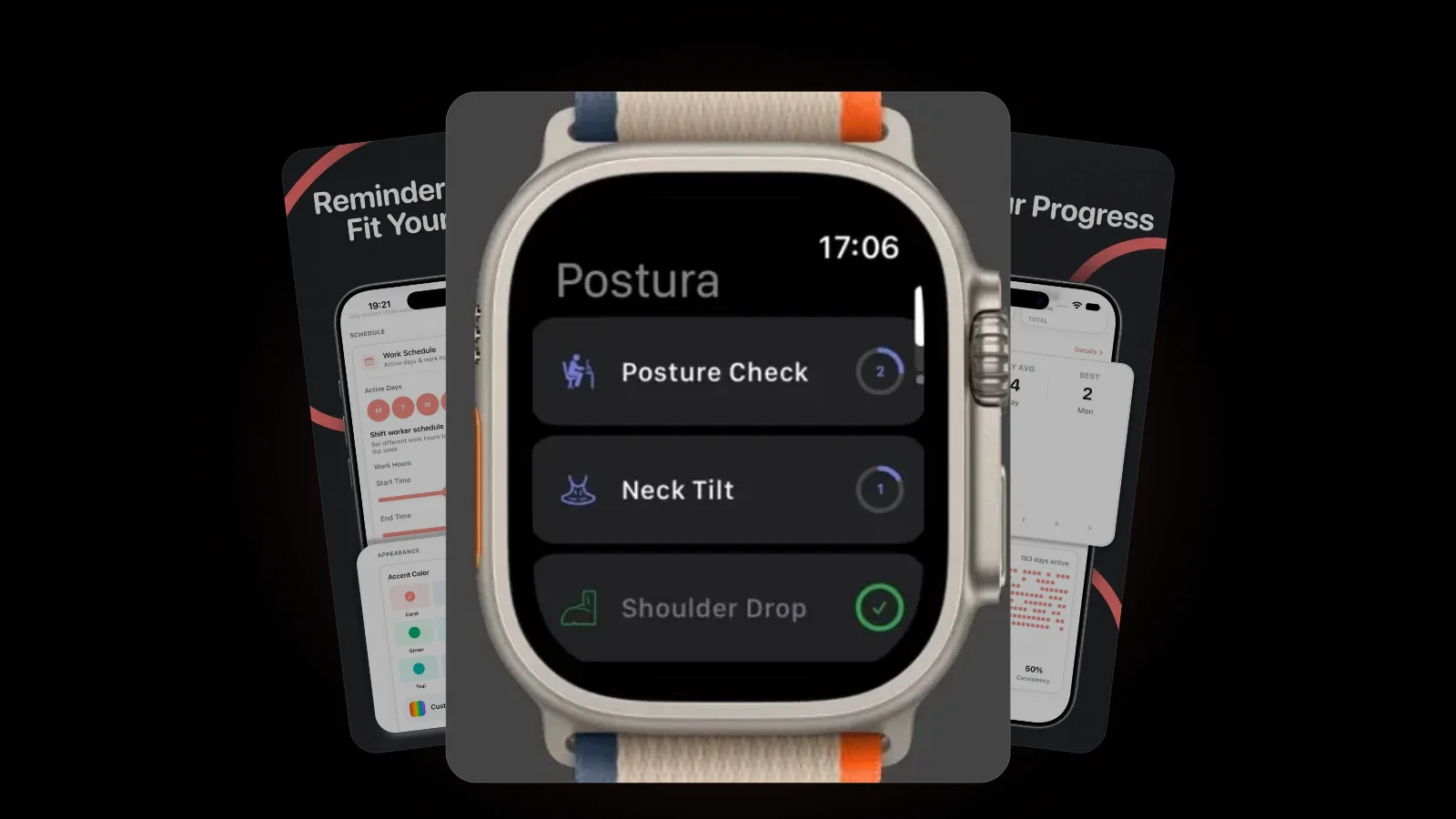
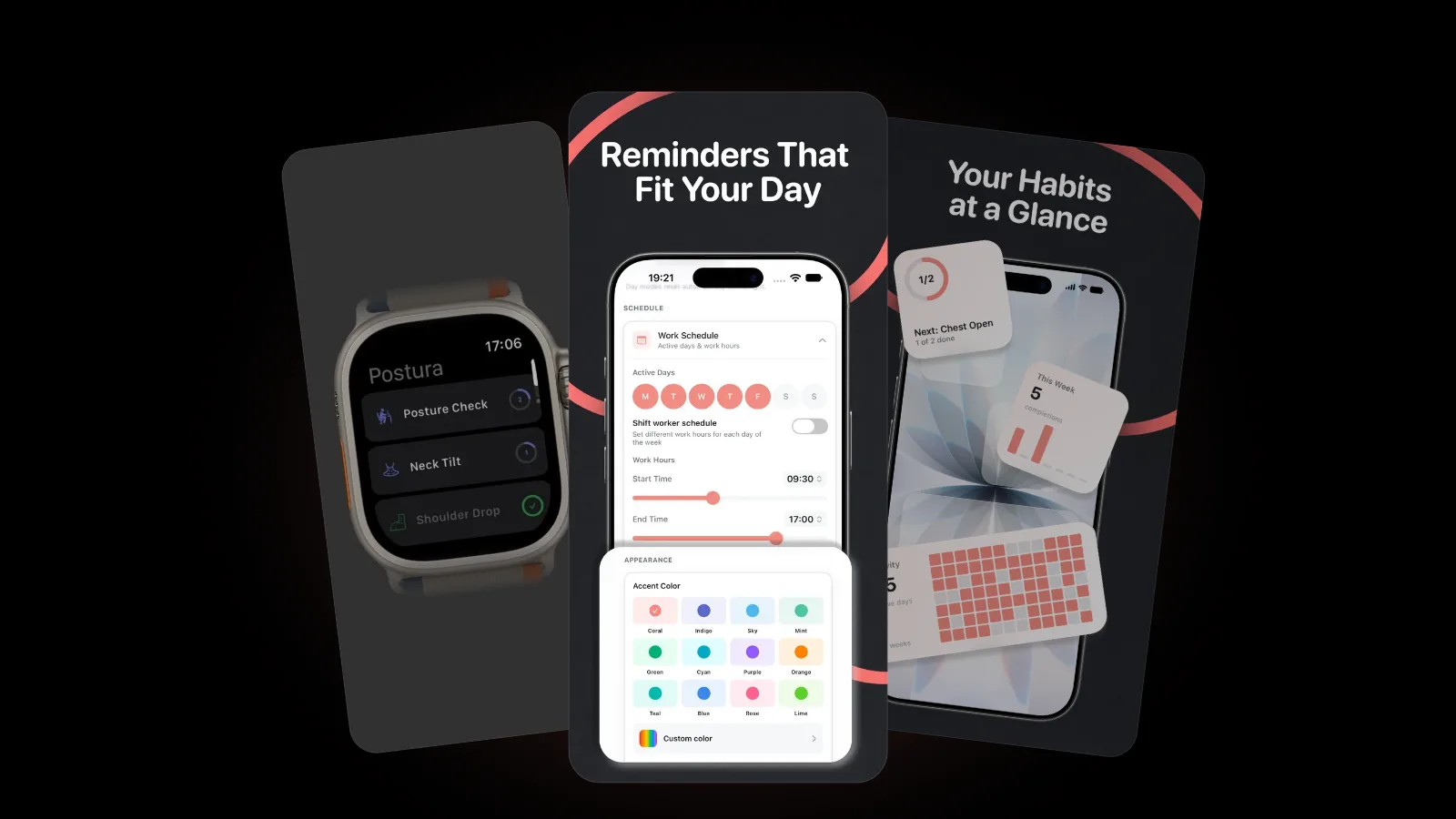
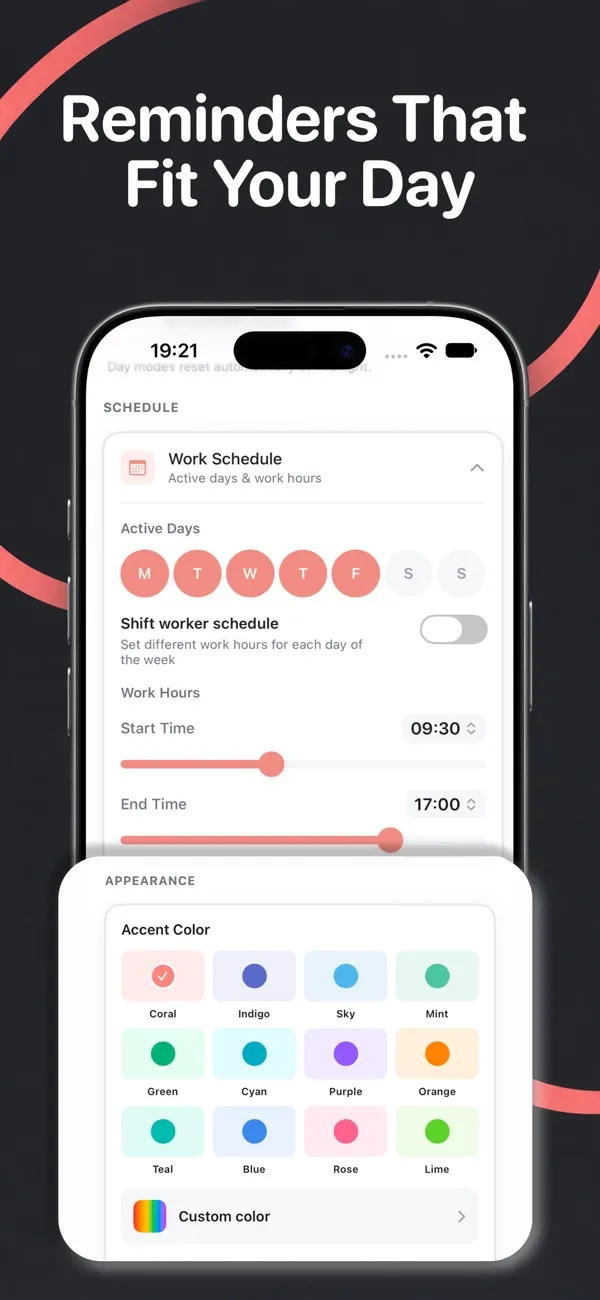
The hard part is remembering, which is why Postura sends gentle reminders inside your working hours and active days, with a shift worker option for different hours each day. Alongside Posture Check, the posture habits include Shoulder Drop, Chest Open and Neck Tilt. On Apple Watch (watchOS 26 or later), you can run each habit's timer from your wrist.
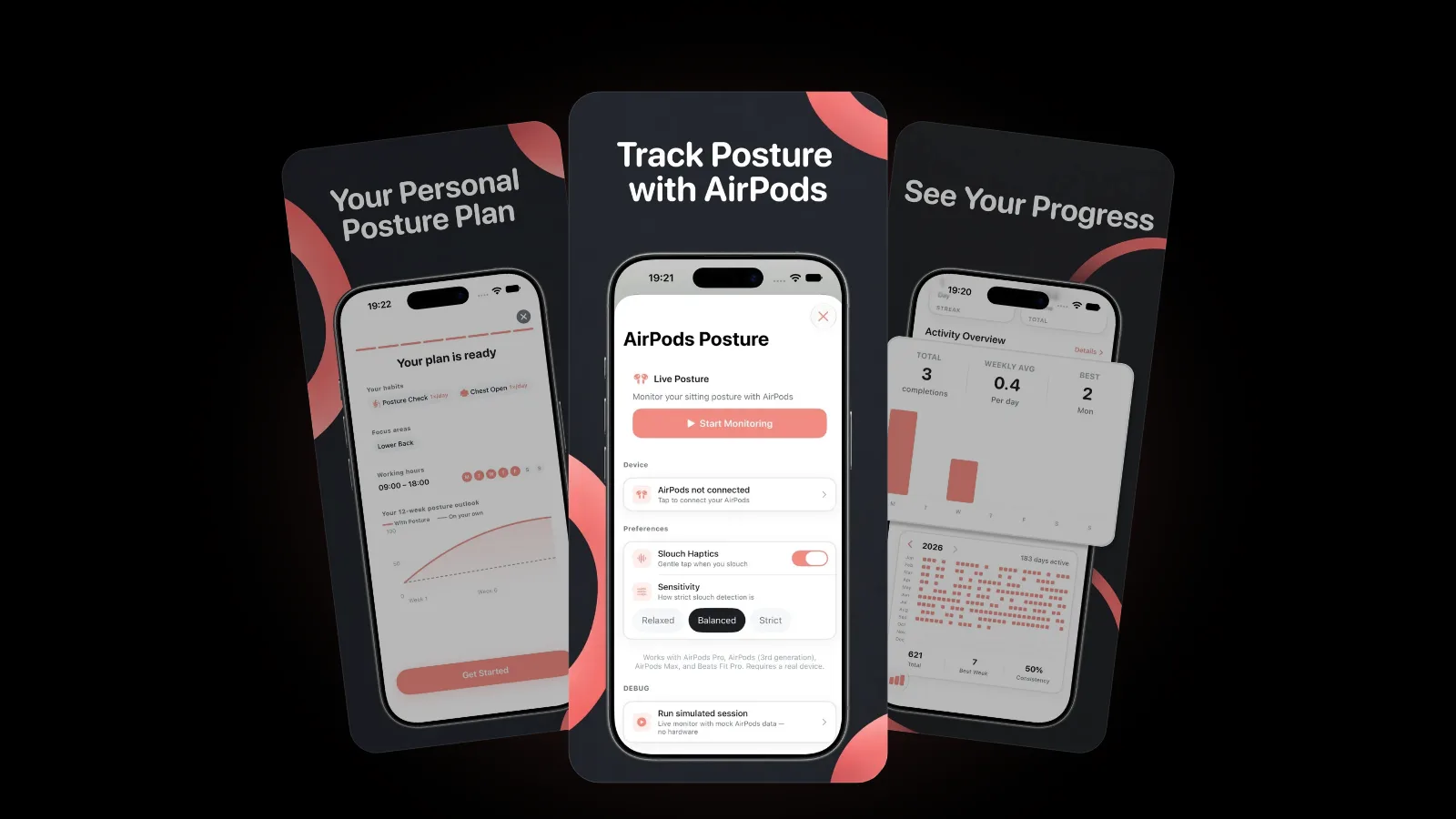
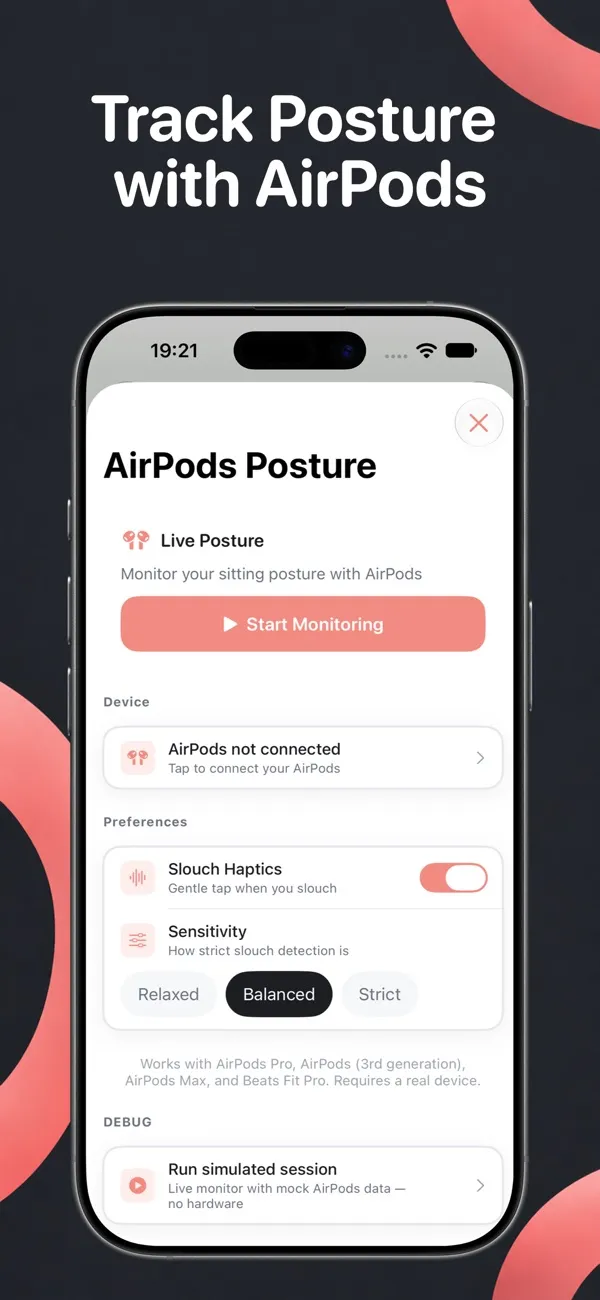
If you wear AirPods at your desk, Postura Pro on iPhone goes a step further: it reads your head angle through AirPods that support head tracking and gives you a gentle tap when you start to slouch. Without AirPods, Postura doesn't watch your posture; it reminds you to check it. Our guide to AirPods posture tracking explains how it works and where it stops.
FAQ
Should my feet touch the floor when sitting at a desk?
Yes, ideally. South Tees NHS advice is to keep both feet flat on the floor with your knees level with your hips. If raising your chair to reach the desk leaves your feet dangling, use a footstool, a sturdy box or a stack of books instead.
Is it bad to cross your legs?
For most people, probably not. In April 2026, three physiotherapy lecturers at the University of Technology Sydney reviewed the evidence and concluded that "movement variety matters more than posture perfection." After a hip replacement, follow your surgical team's advice.
How far should my monitor be?
About an arm's length away, with the top of the screen level with your eyes, according to HSE. The American Academy of Ophthalmology puts it at about 25 inches, with your eyes gazing slightly downward at the screen.
Is sitting up straight bad for you?
Sitting up straight is fine as a reset, but it isn't the one right way to sit. The South Tees NHS leaflet says there is no "correct" posture and that it is safe to adopt more comfortable postures. Sit tall when you notice a slump, then keep changing position.
Get started
Postura is free to download on the App Store for iPhone and Apple Watch, and on Google Play for Android, with an optional Pro subscription. It reminds you to check your posture, stretch, rest your eyes and move, during the hours you choose. Postura is not a medical app; it is a gentle way to build better desk habits. See everything it does on the Postura page or read more Postura articles.