PosturaAirPods9 min read
Which AirPods have head tracking? Every model checked
Which AirPods have head tracking? A table of every model from AirPods 1 to AirPods 5 and Max 2, plus how to turn it on and what to do if it stops working.
AirPods 3, AirPods 4, AirPods 5, every AirPods Pro and every AirPods Max have head tracking. That includes both versions of AirPods 4, with or without Active Noise Cancellation, and both versions of AirPods 5. Only the first two generations, AirPods 1 and AirPods 2, do not have it. You switch it on in Control Center under Spatial Audio.
Below: every generation by Apple's own model name, how head tracking differs from Spatial Audio, the switches on iPhone, Mac and Apple TV, and a fix-it checklist. Last, how apps read head motion with your permission, which is how Postura, our posture reminder app, notices when you slouch.
Which AirPods have head tracking?
Head tracking works on AirPods 3, AirPods 4, AirPods 5, AirPods Pro and AirPods Max. In 2026, Apple's AirPods User Guide page Control Spatial Audio and head tracking on AirPods names exactly those five families. It says they use Spatial Audio and head tracking when you watch or play a supported show, movie, song or game, or make a FaceTime call. Apple names AirPods Pro and AirPods Max without a generation number, so every Pro and every Max is covered, including the USB-C versions. AirPods 1 from 2016 and AirPods 2 from 2019 are not on the list, so they do not have head tracking. Head tracking is what makes Spatial Audio sound as if it is coming from your iPhone or Mac, and Apple's Mac instructions describe it as allowing the sound to follow the movement of your head.
Here is every model, named and numbered the way Apple's Identify your AirPods page lists them:
| AirPods model, as Apple names it | Introduced | Model numbers | Head tracking |
|---|---|---|---|
| AirPods 1 | 2016 | A1523, A1722 | No |
| AirPods 2 | 2019 | A2032, A2031 | No |
| AirPods 3 | 2021 | A2565, A2564 | Yes |
| AirPods 4 | 2024 | A3053, A3050, A3054 | Yes |
| AirPods 4 (ANC) | 2024 | A3056, A3055, A3057 | Yes |
| AirPods 5 | 2026 | A3531, A3532, A3533 | Yes |
| AirPods 5 with Wireless Charging Case | 2026 | A3439, A3440, A3441 | Yes |
| AirPods Pro 1 | 2019 | A2084, A2083 | Yes |
| AirPods Pro 2 with MagSafe Charging Case (Lightning) | 2022 | A2931, A2699, A2698 | Yes |
| AirPods Pro 2 with MagSafe Charging Case (USB-C) | 2023 | A3047, A3048, A3049 | Yes |
| AirPods Pro 3 | 2025 | A3063, A3064, A3065 | Yes |
| AirPods Max 1 (Lightning) | 2020 | A2096 | Yes |
| AirPods Max 1 (USB-C) | 2024 | A3184 | Yes, also over a USB-C cable |
| AirPods Max 2 | 2026 | A3454 | Yes, also over a USB-C cable |
Not sure which pair you own? On iPhone, go to Settings, tap Bluetooth, then tap the More Info button next to your AirPods. Apple says the model number also appears on the underside of each AirPod, or behind the cushion on the left ear cup of AirPods Max.
With AirPods Max 1 (USB-C) or AirPods Max 2, Apple says head tracking also works over a USB-C cable on iOS 18.4, iPadOS 18.4 or macOS 15.4 and later.
Do AirPods 5 have head tracking?
Yes. AirPods 5 are on Apple's head tracking list, and the AirPods 5 technical specifications on apple.com list Personalized Spatial Audio with dynamic head tracking. That spec page also covers AirPods 5 with Wireless Charging Case, so both versions have it.
AirPods 4 have it too. Apple's support tech specs for AirPods 4 and AirPods 4 with Active Noise Cancellation both list Personalized Spatial Audio with dynamic head tracking. Noise cancellation is what separates the two models; head tracking is on both.
What is the difference between Spatial Audio and head tracking?
Spatial Audio surrounds you with sound. Head tracking makes that sound respond as you turn your head. Personalized Spatial Audio, a third and separate setting, tunes it to the shape of your ears and head. You can have Spatial Audio without head tracking: that is what the Fixed option does.
| Feature | What it does | What you need | Where you set it |
|---|---|---|---|
| Spatial Audio (Fixed) | A theater-like sound that surrounds you, without head tracking | AirPods 3 or later, AirPods Pro or AirPods Max | Control Center: volume control, Spatial Audio, Fixed |
| Head tracking (Head Tracked) | Spatial Audio plus head tracking, so the sound seems to come from your iPhone or Mac | The same AirPods | Control Center: volume control, Spatial Audio, Head Tracked |
| Personalized Spatial Audio | A profile of your ear and head shape that customizes Spatial Audio to how you hear | An iPhone with iOS 16 or later and the TrueDepth camera | Settings: your AirPods, Personalized Spatial Audio |
So, Head Tracked or Fixed? With Head Tracked, the sound reacts as you turn and seems to stay with your iPhone or Mac. Fixed keeps the surround effect but ignores head movement. Apple saves your choice for each app, so films and music can use different settings.
To set up Personalized Spatial Audio, you scan your face and ears with the iPhone's TrueDepth camera. Apple says the camera data is processed entirely on your device and the images are not stored.
How do you turn head tracking on or off?
Wear your AirPods and make sure they are connected first. These steps come from Apple's Spatial Audio support page linked above.
On iPhone or iPad
- Open Control Center, then touch and hold the volume control.
- Tap Spatial Audio at the lower right.
- Choose Off, Fixed or Head Tracked.
Off turns off both Spatial Audio and head tracking.
On a Mac
You need a Mac with Apple silicon and macOS 12.3 or later. Click the AirPods icon in the menu bar, then choose Off, Fixed or Head Tracked below Spatial Audio. If the icon is missing, open System Settings, click Menu Bar and select Sound below Menu Bar Controls.
On Apple TV 4K
You need tvOS 15.1 or later. While something is playing, open Control Center, go to the AirPods icon next to the time, then choose a Spatial Audio option. To turn off head tracking for every app at once, go to Settings, Accessibility, AirPods, select your AirPods and turn off Center Audio on TV.
Why is head tracking not working on your AirPods?
Work through this checklist in order:
- Check your model. AirPods 1 and AirPods 2 have no head tracking. The model number and the table above confirm which pair you have.
- Choose Head Tracked, not Fixed. The choice is saved per app, so check it while the app you care about is open.
- Play supported content. Apple says Spatial Audio isn't available for all apps or content. Test with a film or a FaceTime call.
- Wear both AirPods, connected to this device. AirPods can switch between your Apple devices. Postura's own tip when no head motion arrives is the same: both AirPods in your ears, connected to this iPhone rather than a Mac or iPad.
- Update your software. Check the Mac, Apple TV and AirPods Max minimums above. Apple's AirPods firmware page says firmware updates arrive automatically while your AirPods charge in Bluetooth range of an iPhone, iPad or Mac on Wi-Fi.
- On Apple TV 4K, check Center Audio on TV. Turning it off disables dynamic head tracking for all apps.
What else can AirPods head tracking be used for?
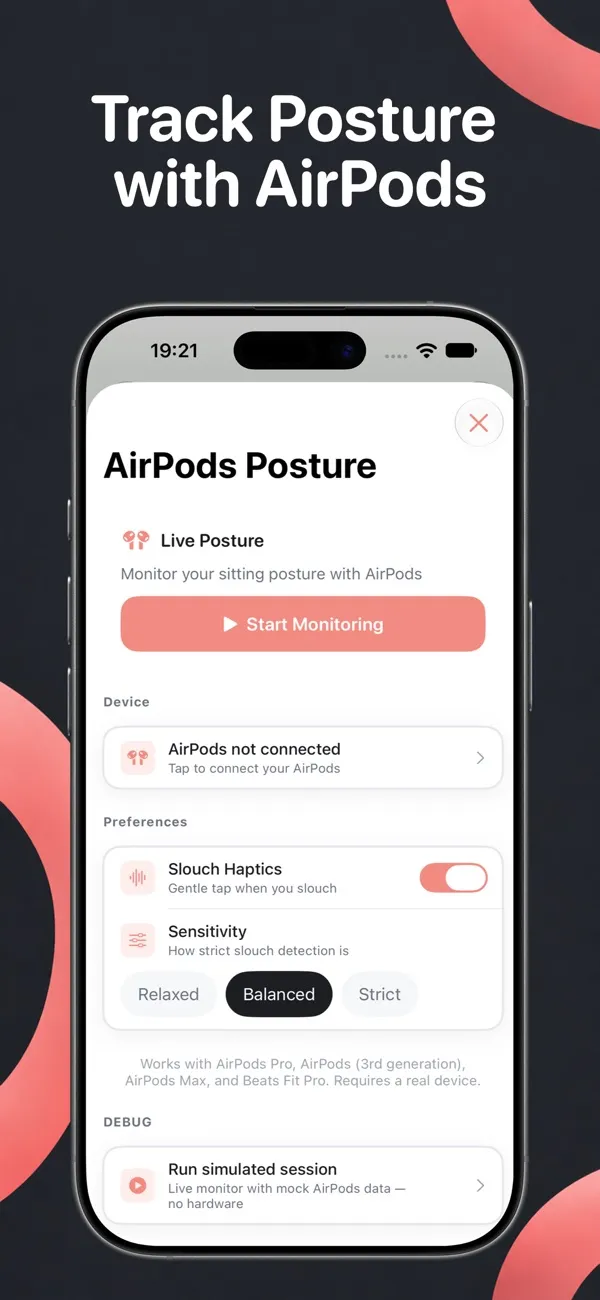
Apps can read head motion too, with your permission. Apple's CMHeadphoneMotionManager class, according to its documentation, delivers headphone motion updates to your app. Apple also requires a motion usage description: a message that tells people why the app is requesting access to motion data. Postura's says it reads AirPods head-motion data to monitor your sitting posture, and that this data stays on your device.
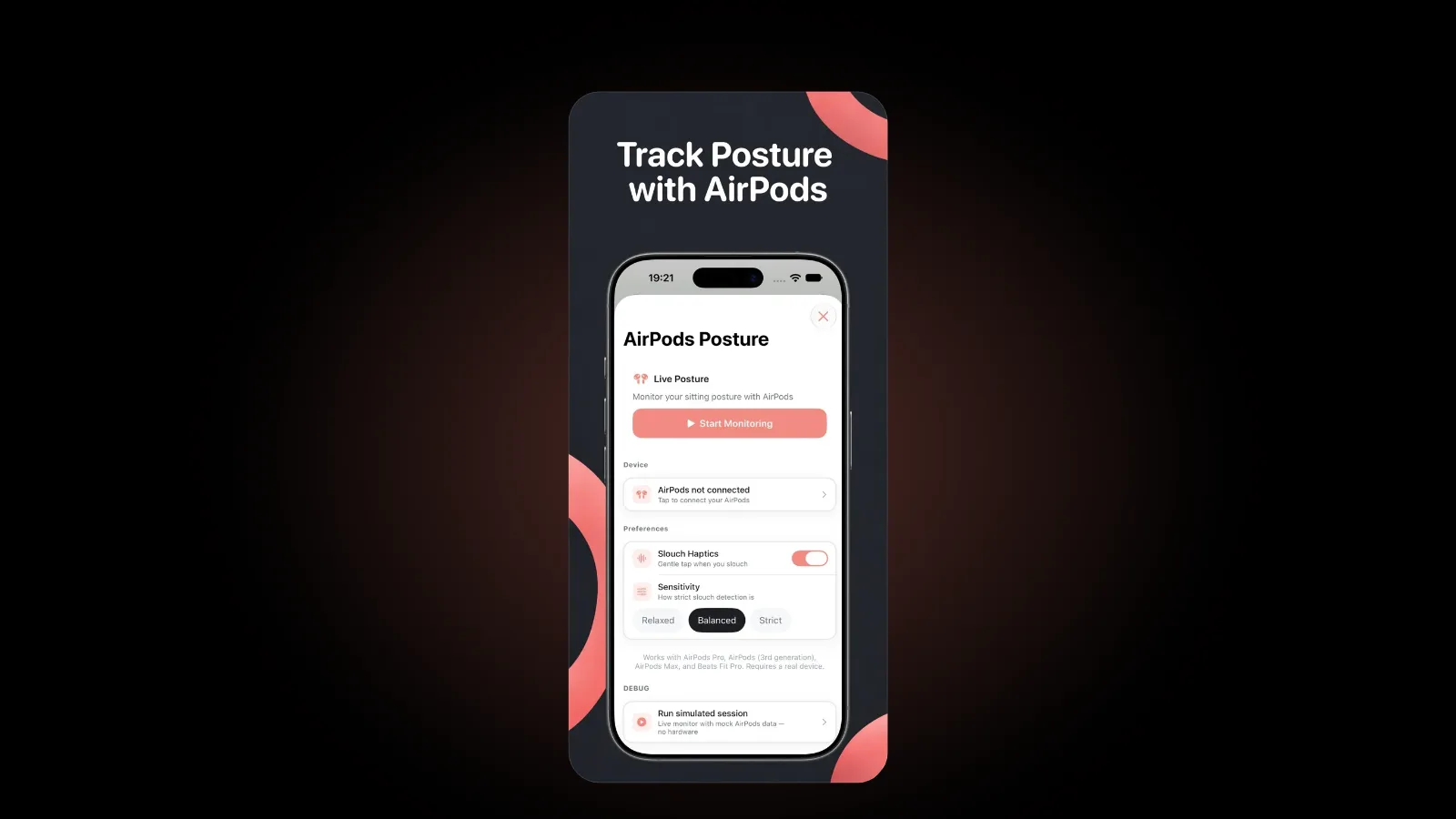
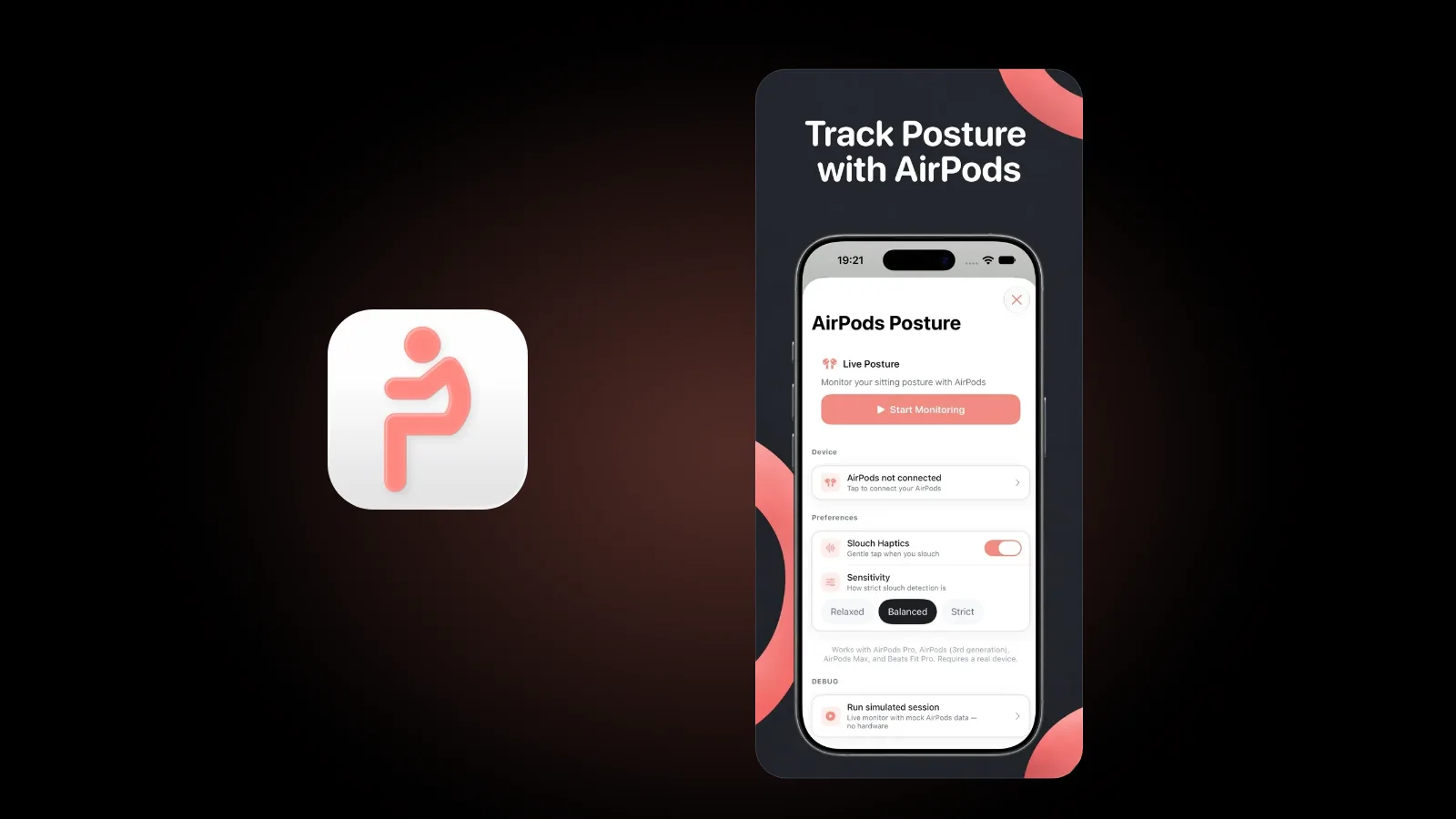
Posture coaching is one use. A head drifting forward and down toward a screen is the habit often called tech neck. In Postura, live AirPods posture coaching is part of Postura Pro and runs in the iPhone app. You choose an alert score, and when your posture score stays below it, Postura shows a banner and a gentle tap, at most once a minute. You can also set Slouch Haptics and a sensitivity of Relaxed, Balanced or Strict, and monitoring pauses when you leave Postura. Our guide to AirPods posture tracking covers how it works and what it cannot see. This is general information, not medical advice.
Postura's in-app list names AirPods 4, AirPods Pro, AirPods (3rd generation), AirPods Max and Beats Fit Pro. If your headphones send no head motion, Postura names them and tells you so.
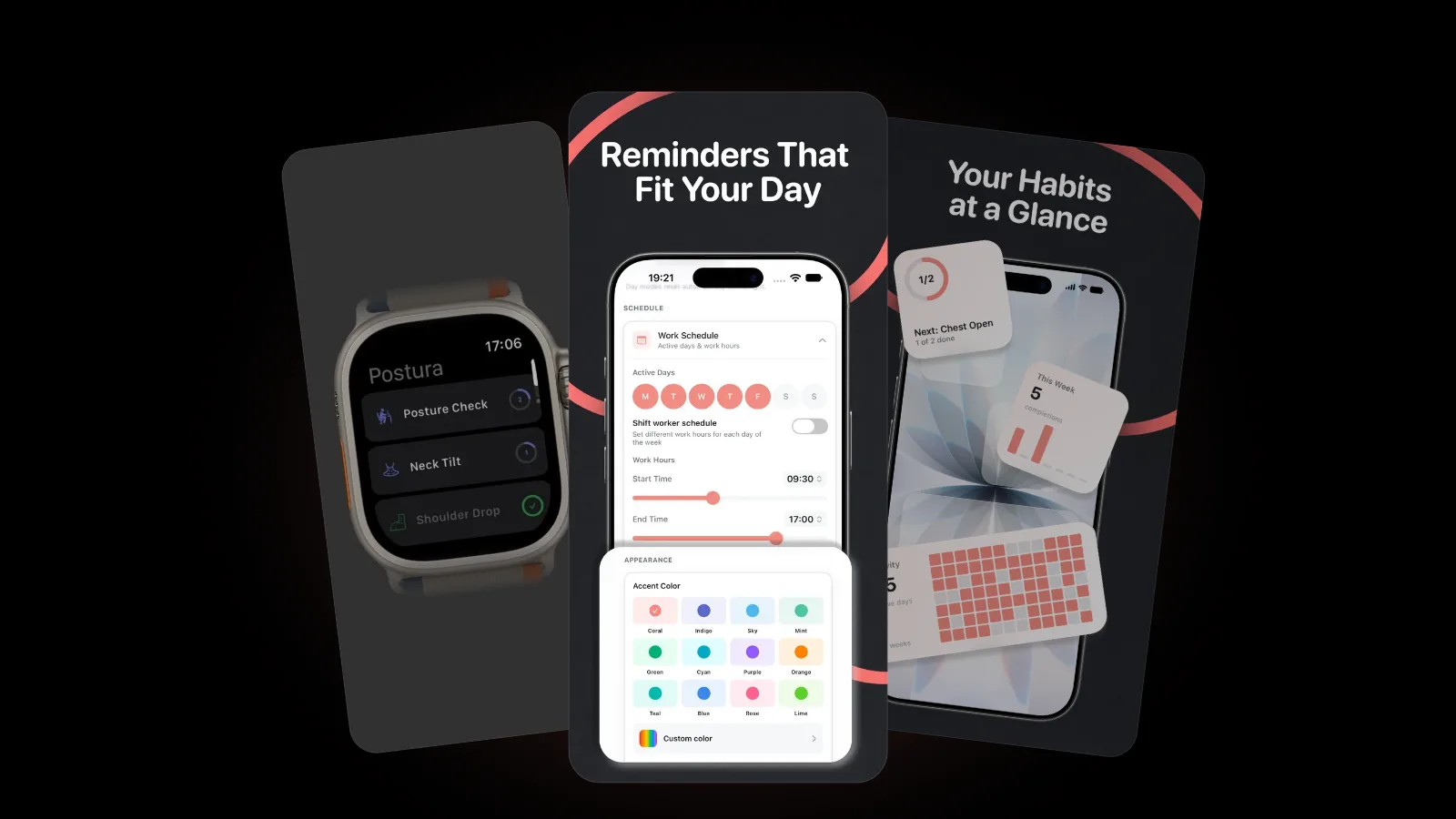
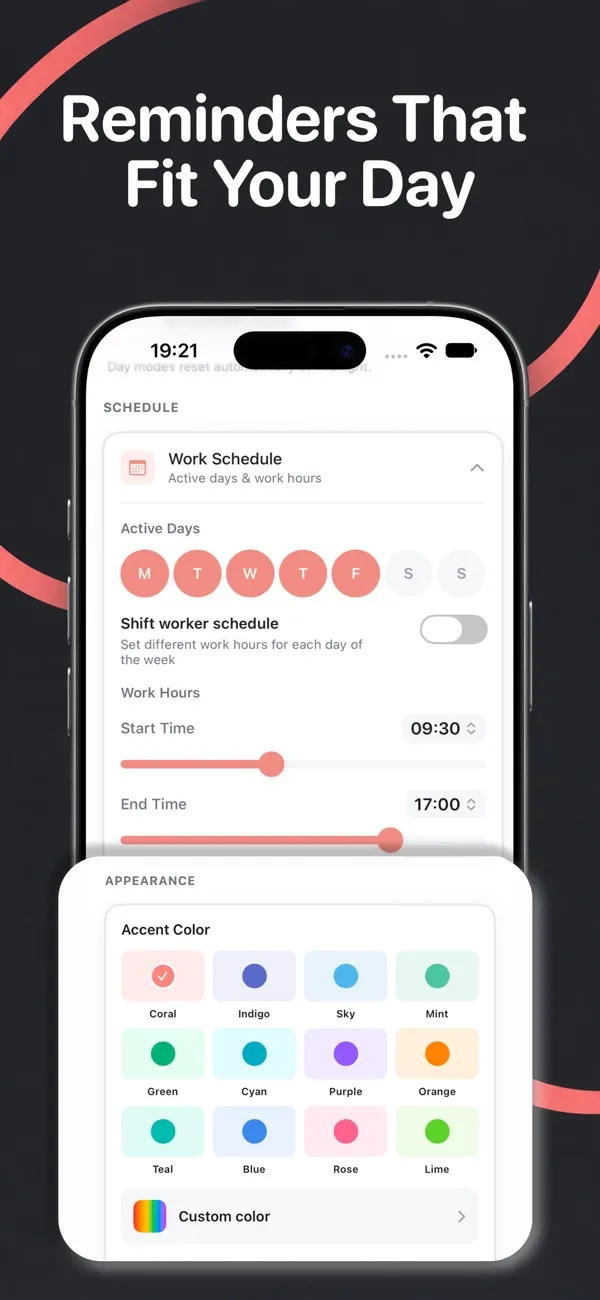
No head tracking on your pair, or on Android? Postura's scheduled reminders for posture checks, stretches, eye breaks and breathing work without AirPods, during the work hours you set. Our guide on how to sit at a desk properly covers the setup side, and you can also get a posture reminder on Apple Watch.
FAQ
Do AirPods 2 have head tracking?
No. AirPods 2, model numbers A2032 and A2031 from 2019, are not on Apple's head tracking list, and neither are AirPods 1. They are also missing from Apple's Personalized Spatial Audio list, which names AirPods 3 or later, AirPods Pro and AirPods Max. For standard AirPods, head tracking starts with AirPods 3.
Do Beats headphones have head tracking?
Some do. Apple's Beats User Guide lists Beats that support Spatial Audio and dynamic head tracking: Beats Fit Pro, Beats Solo 4, Beats Studio Pro, Beats 360, Powerbeats Fit and Powerbeats Pro 2. The same list marks Beats Solo Buds and Beats Studio Buds + as having no head tracking.
Does head tracking work on Android?
Apple's head tracking instructions cover iPhone, iPad, Mac and Apple TV 4K. For Android phones, Apple's pairing guide describes AirPods as a Bluetooth headset: you can listen and talk, but you can't use Siri. It does not mention head tracking there. Postura is on Google Play, but live AirPods coaching is iPhone only.
Can I use head tracking on a Mac?
Yes, on a Mac with Apple silicon and macOS 12.3 or later. Click the AirPods icon in the menu bar and choose Head Tracked below Spatial Audio. With AirPods Max 1 (USB-C) or AirPods Max 2 connected by a USB-C cable, the Mac needs macOS 15.4 or later.
Get started
Postura is free to download on the App Store for iPhone and Apple Watch, and on Google Play for Android, with an optional Pro subscription that includes live AirPods posture coaching on iPhone. It reminds you to check your posture, stretch, rest your eyes and breathe during the hours you choose. Postura is not a medical app; it is a gentle way to build better desk habits. See everything it does on the Postura page or read more Postura articles.