AuraMood tracker9 min read
Year in pixels: how to color a mood tracker for a year
Year in pixels guide: draw a one-square-per-day mood grid, copy three ready color keys, handle mixed days and read your year at the end of each month.
A year in pixels is a mood tracker with one square for every day of the year. Each night you color that day's square from a color key, such as five shades from a great day to an awful one. By December the grid shows your year at a glance: good stretches, hard weeks and moods that keep returning.
Below are three color keys to copy, rules for mixed days, a month-end review and an honest look at paper versus apps. We make Aura, a mood journal for iPhone that colors a calendar from the moods you log, but almost everything here works with a notebook and a few pens.
What is a year in pixels?
A year in pixels is a one-page grid with a square, or "pixel", for each day of the year, colored by how that day felt. The idea comes from a French bullet journaler who posts as @passioncarnets. In her deep dive on the Bullet Journal blog, she describes "a simple grid, with 12 columns for the months, and 30 or 31 blocks or 'pixels' for the days." She chose five colors, red, orange, yellow, green and blue, with warm colors for positive feelings and cool colors for negative ones. Each night she colored one block for the day as a whole, not for each emotion. Looking back at her 2016 grid, she saw that the last six months had a lot of red and orange pixels, her good-day colors, even though she lost her job during that time. She had started a daily practice of gratitude, meditation and mindfulness earlier that year. That is the payoff: a pattern you can't see one day at a time.
How do you make a year in pixels?
You need one page, a pen for the grid and five to seven colors. Dot grid, squared paper or a printed year in pixels template all work.
- Draw the grid. Write the months across the top (J, F, M and so on) and the numbers 1 to 31 down the side. Cross out the days that don't exist, such as 30 and 31 February.
- Write your key first. Put the key beside the grid before you color anything, so you never have to remember what light blue meant in March.
- Test your pens. Swatch every color on the back of the page. Two shades that look different in the box often look the same in a tiny square.
- Pick a fixed moment. Color at the same time each night, such as while you plan tomorrow.
- Leave a notes column. A narrow strip beside the grid is enough for a word or two on unusual days: "flu", "moved house", "exam".
How do you choose a year in pixels color key?
Start with the question you want the grid to answer. A key that rates the day tells you how your year went. A key that names the kind of feeling tells you what your year was made of. Here are three keys you can copy:
| Key | Colors and meanings | Good for |
|---|---|---|
| 5-step mood scale | Dark green: great. Light green: good. Yellow: okay. Orange: hard. Red: awful. | A first year in pixels, quick answers at night |
| Mood families | Yellow: joy. Pink: love. Green: calm. Blue: sad. Purple: worried. Red: angry. Gray: tired or numb. | Seeing what kind of feeling filled the year |
| Energy levels | Dark blue: drained. Light blue: low. Green: steady. Orange: high. Red: wired or restless. | People whose mood follows sleep, workload or health |
If you're not sure which feelings belong in which family, our emotion wheel guide helps you name them first.
Should your colors match what other people use?
No. Make the key personal. In 2020, a team led by Domicele Jonauskaite published a survey of 4,598 people in 30 countries in Psychological Science. Participants matched 20 emotion concepts with 12 color terms. The associations were largely shared across countries, yet a person's country still predicted their answers beyond that shared pattern. In a summary written by two of the authors, red was linked with love for some people and with anger and hate for others, and only Greek participants linked purple with sadness. Even the creator of the year in pixels ran into this: she writes that her friends and followers often linked warm colors with anger and cold ones with calm, the opposite of her key.
Pick colors that feel right to you, then keep the same key all year. If you must change it, draw a line under that day and write the new key.
What do you do with mixed-mood days?
Most days are not one color. These rules keep mixed days readable:
- Split the pixel diagonally when two moods each took a real share of the day. Color the upper triangle with the morning's mood and the lower one with the evening's.
- Go with the mood that lasted when one feeling was brief. The originator weighs the day as a whole and asks whether the bad moment really changed it.
- Add a dot in a second color for a short spike, like nerves before a meeting.
- Stop at two colors per pixel. Three colors in a square a few millimeters wide turns into mud.
Year in pixels ideas: what else can one pixel track?
Any daily measure with a few levels fits in a pixel. These year in pixels ideas work best as a second grid beside your mood grid:
- Sleep: under 6 hours, 6 to 7, 7 to 8, over 8.
- Stress or anxiety: none, mild, moderate, high.
- Movement: rest day, a walk, a workout.
- Social time: alone, a little company, a full social day.
- Creativity: made nothing, made something, made something you're proud of.
Two grids side by side are where the insight is. If your hard mood days line up with your short sleep days, you'll see it in seconds.
How do you read your year in pixels?
Give the grid ten minutes at the end of each month, while you still remember why each day got its color.
- Count each color. Tally the month in the margin. "Nine orange days" is more honest than "a stressful month".
- Find the runs. Circle any stretch of three or more days in the same color and note what was going on.
- Mark the weekends. Rows are dates, not weekdays, so Mondays never line up. Dot every Saturday and Sunday to see whether your weekends really are better.
- Read the blanks. Missed days often cluster in busy or low weeks, and that is information too.
- Write one sentence. End with a single conclusion, such as "I feel better on days I walk outside", and test it next month.
For words next to the colors, see our guide on how to start a mood journal.
A year in pixels is a self-reflection habit, not medical or psychological advice. If dark pixels run for weeks or your mood starts to affect daily life, talk to a doctor or a mental health professional.
Paper grid or app: which year in pixels is easier to keep?
Paper is better if you want your own key. An app is better if you want the coloring and counting done for you. Here is how they compare:
| Paper grid | Aura | |
|---|---|---|
| Color key | Any key you design | Each day's color is generated from your moods, your zodiac sign and the sky |
| Mixed days | Split pixels by hand | Log up to three moods at once |
| Notes | A word in the margin | A journal entry alongside your moods |
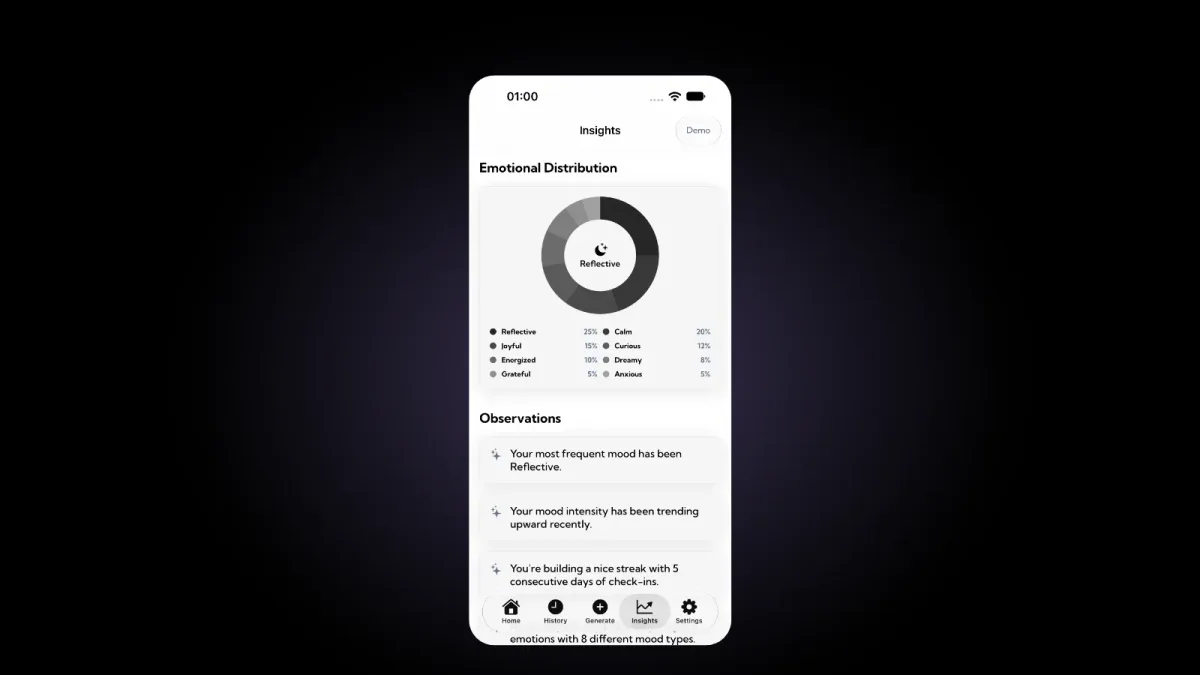
| Counting | By hand at month end | Charts of most frequent moods, streaks and how your energy shifts |
| Views | One page per year | Monthly calendar, Yearly Calendar, and Week, Month and Year insights |
| Privacy | Stays in your notebook | No account, stored on your device, data never sold |
| What it takes | A notebook and pens | Free to download, with an optional Aura Pro subscription |
The best one is the one you're still keeping in March. Some people keep both: a paper grid for the ritual and an app for the counting.
How does Aura fill a calendar with your colors?
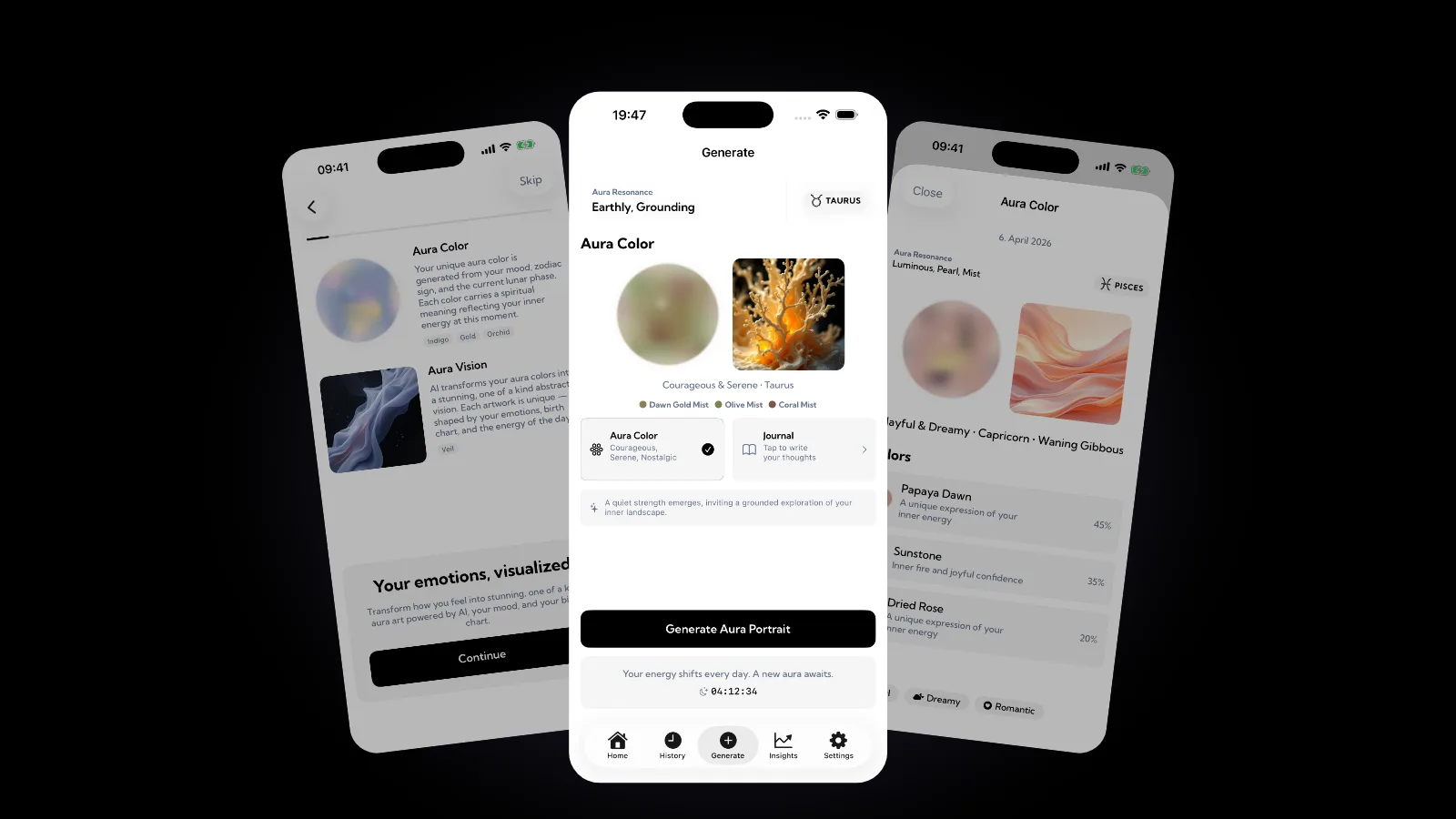
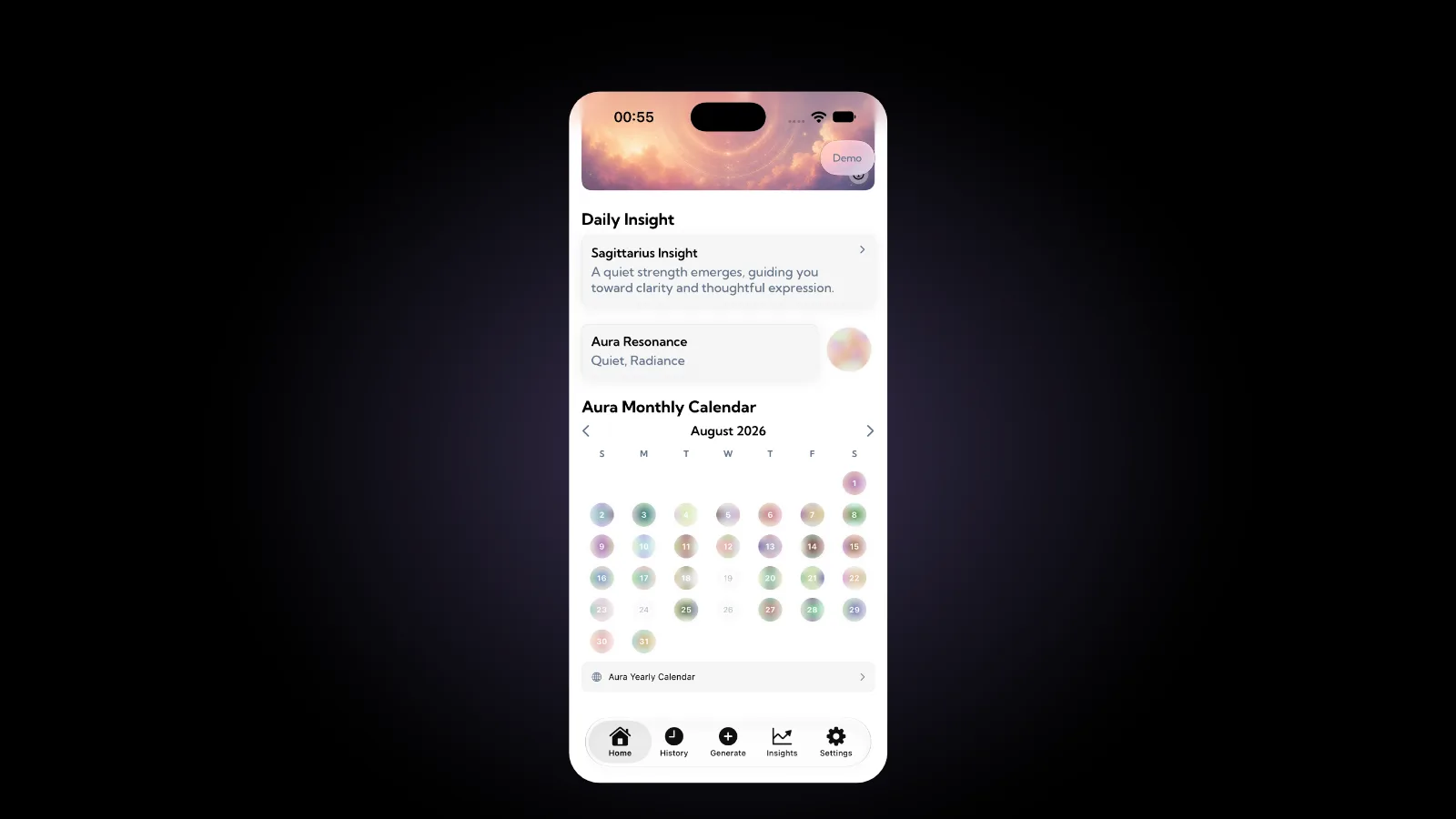
In Aura, you choose from 28 moods, pick up to three at once and can add a journal entry. Every day the app reads your mood, your zodiac sign and the sky above to reveal your daily aura color, which is part of Aura Pro. The zodiac and sky side comes from astrological tradition and symbolism, not science.
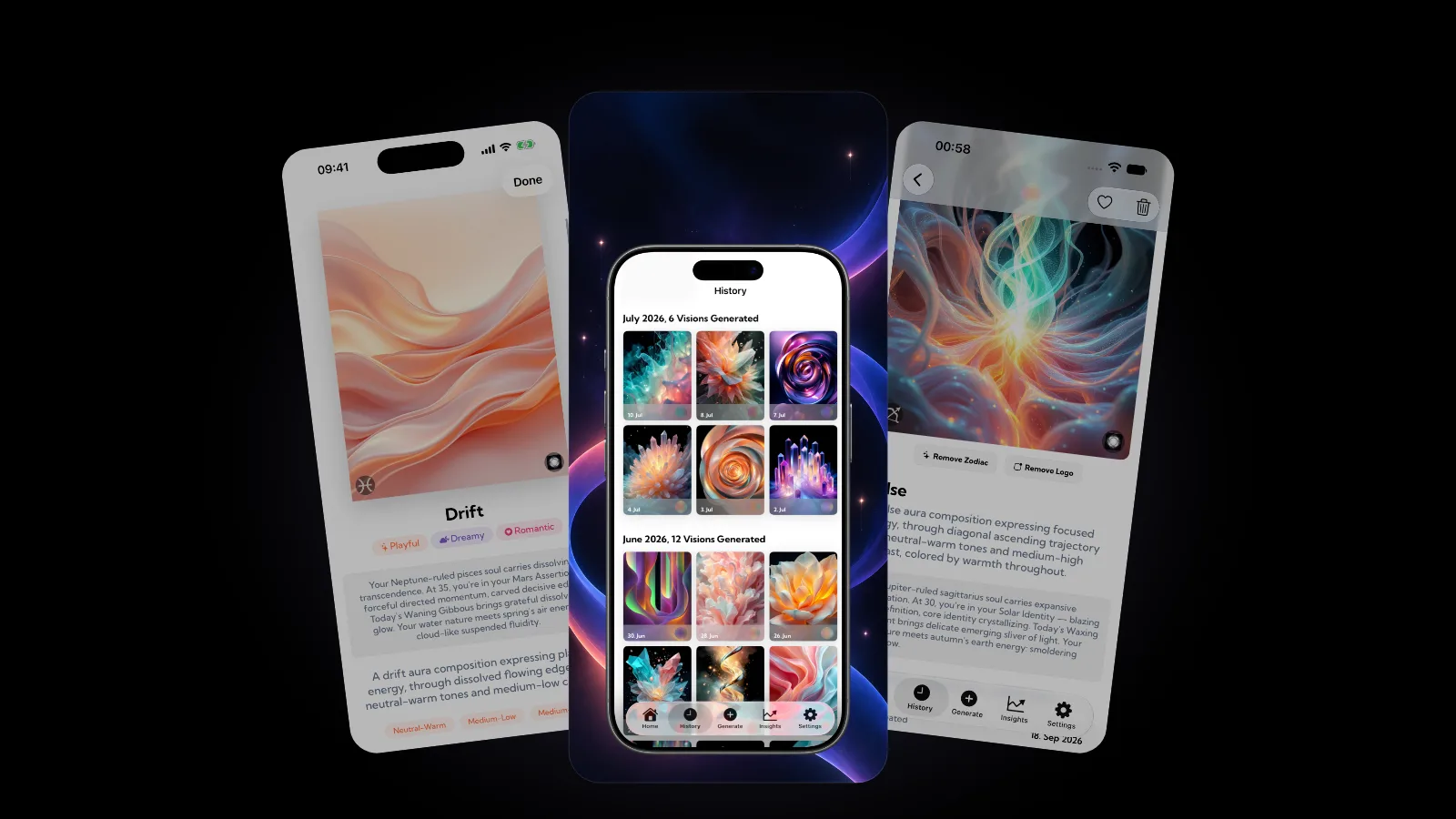
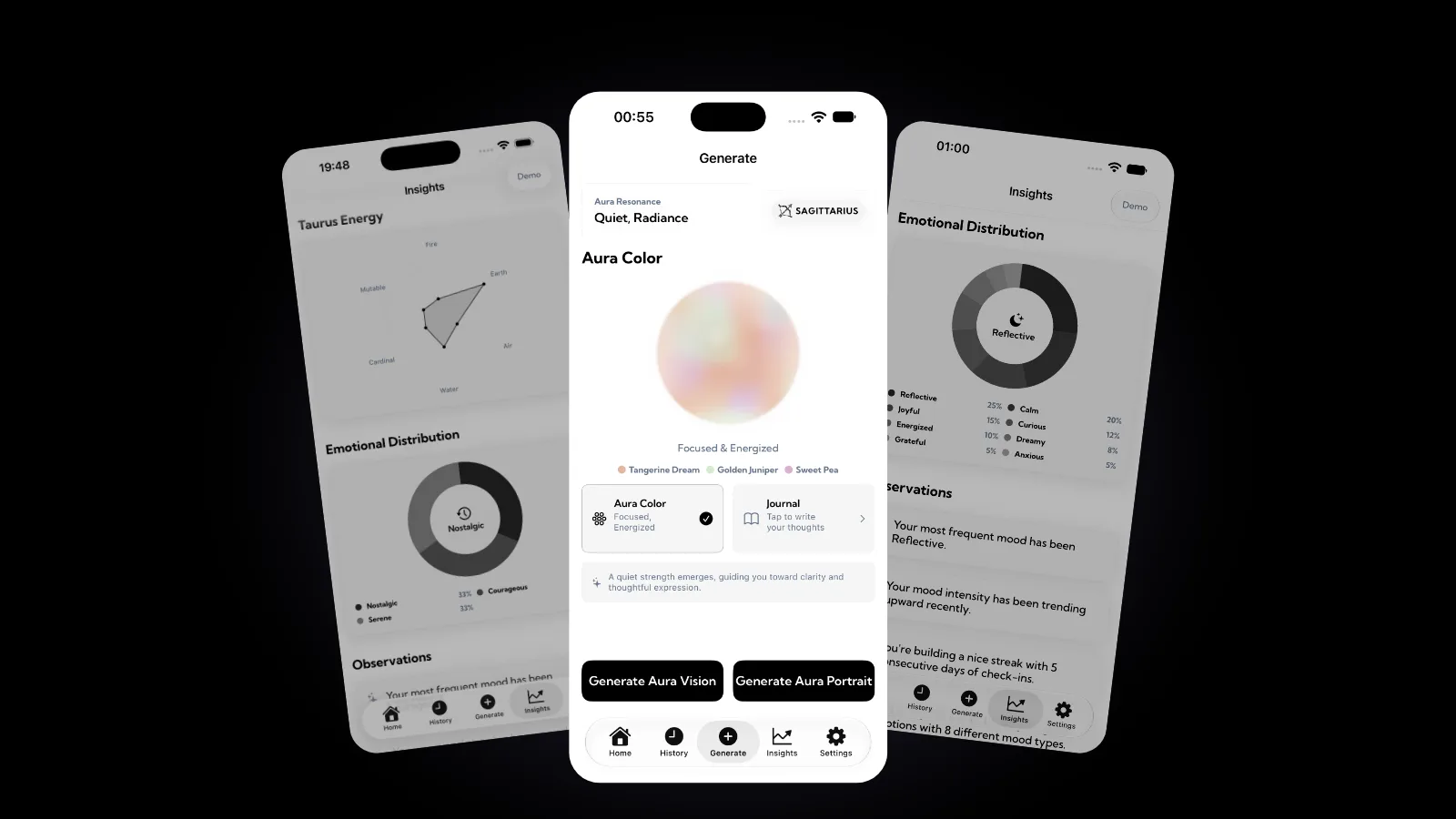
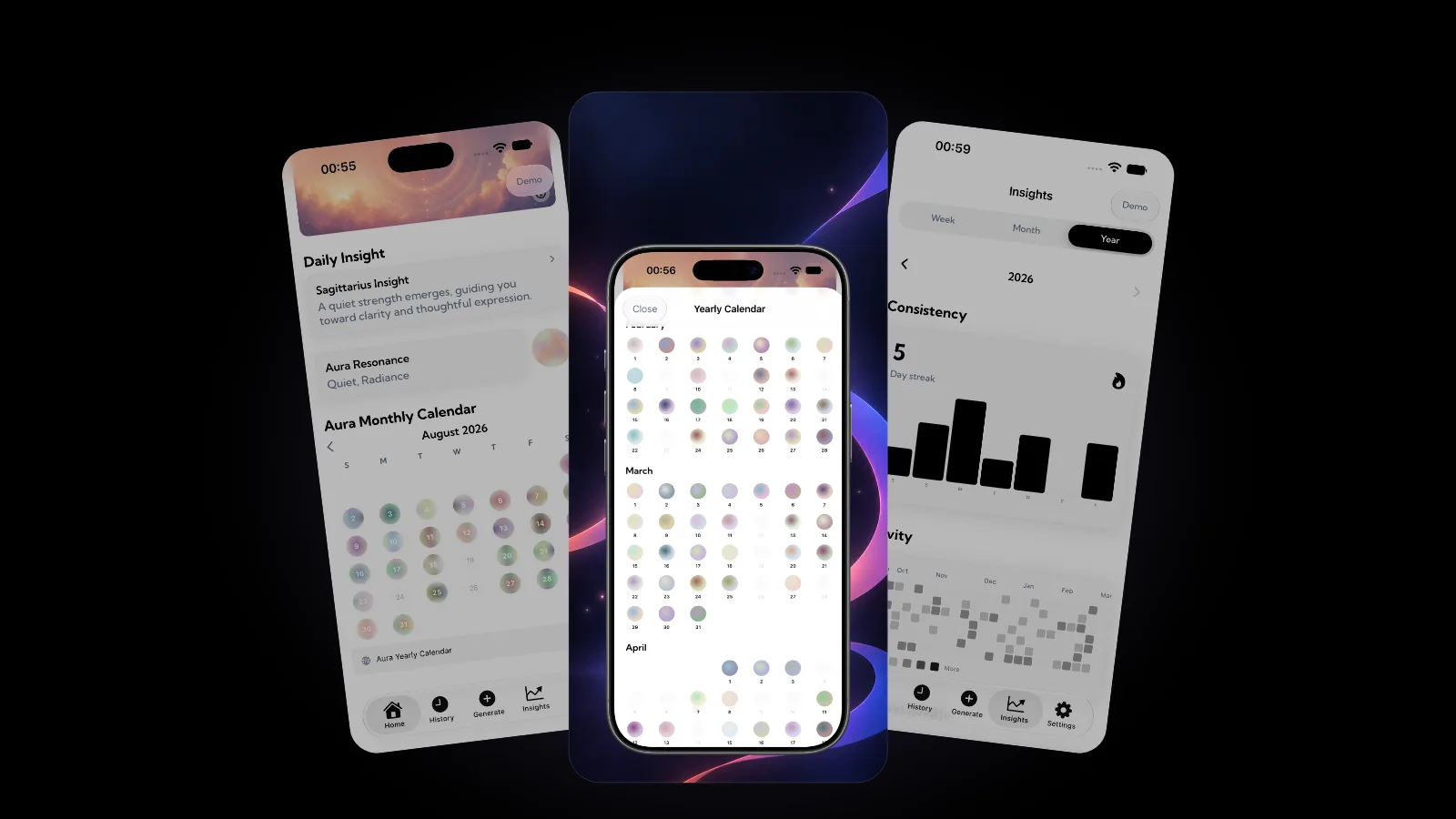
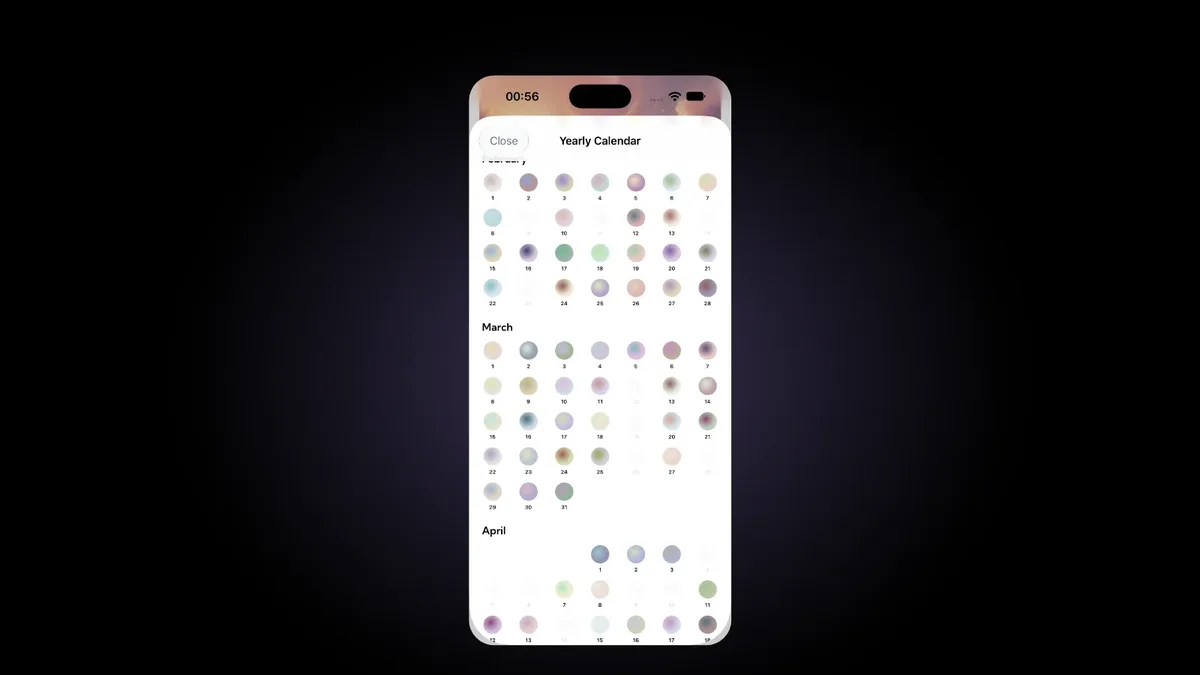
Your colors then fill a calendar of your emotional year: a monthly grid of colored circles on the Home screen and a Yearly Calendar with the months one after another, so you can spot patterns across days, weeks and months. Insights adds Week, Month and Year views, a day streak and an activity grid. You don't choose the colors yourself, so keep a paper grid if a personal key matters to you.
For what each shade traditionally stands for, see our guide to aura colors meaning. The colors that turn up on only a few days are your personal rare colors, which our post on rare aura colors explores. More guides like this live in the Aura category of our blog.
FAQ
What colors should I use for a year in pixels?
Any colors you can tell apart at a glance and that feel right to you. A light-to-dark scale reads like a heat map, while one color per mood family shows what kind of feeling filled your year. Research on color and emotion finds shared patterns with real local differences, so trust your own associations.
Can I start a year in pixels mid-year?
Yes. Start today and either cross out the earlier months or draw a grid that begins with this month. Twelve months from any date is still a full year of pixels.
What if I miss a day?
Leave the square blank, or color it only if you clearly remember the day. Don't fill a week from memory, because memory smooths out the lows and highs. Blanks are part of the record.
How many moods should a key have?
Five to seven colors work for most people. Fewer than five hides the difference between an okay day and a good one. More than seven slows you down at night, and similar shades start to look alike in small squares.
Get started
Draw your grid tonight and color the first pixel. If you would rather have your days colored from your moods, Aura is free to download on the App Store, with an optional Aura Pro subscription that includes your daily aura color.